
Wording a question
You write the question. The service offers no ready-made questionnaires, and that is deliberate — the wording is the only thing that decides what a person is answering on the telephone.
Writing a question, and what the answer type means.
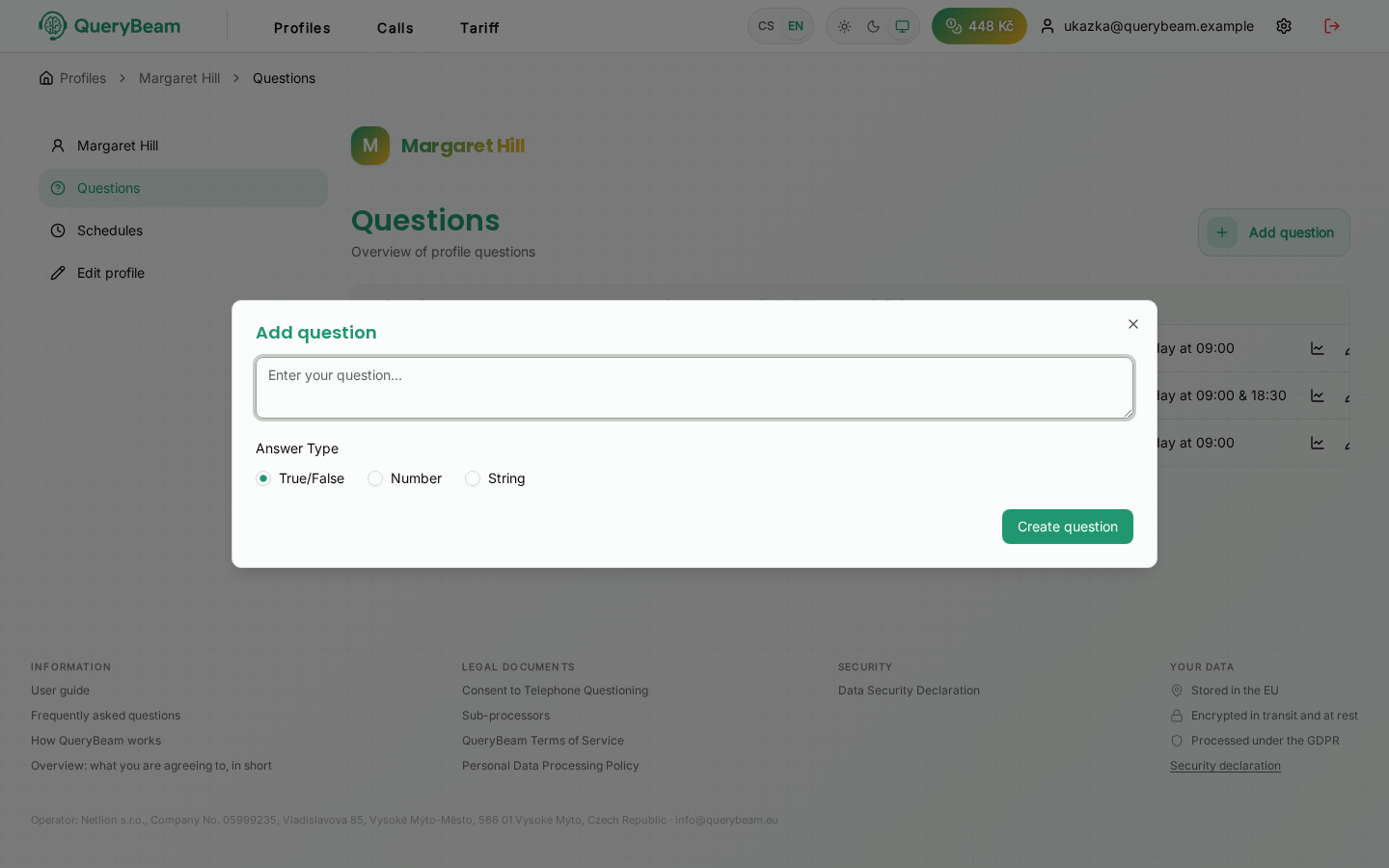
Adding a question. The text, and one of three shapes of answer.
In the profile, Questions on the left → Add question.
Write it the way you would say it on the telephone
The text of the question is spoken in the call, verbatim. It is not a label or a column heading.
One question, one thing
"Does your head hurt and did you sleep well?" gets one answer from which neither can be read. Split it in two.
The same goes for conditional questions: "If you measured your blood pressure, what was it?" leads to "I didn't", which does not belong in a numeric field. Ask directly, and accept that sometimes there will be no answer.
Say what units you want
The assistant takes the number out of the answer as it was spoken. "What is your temperature?" may well get "normal". "What was your body temperature this morning, in degrees?" gets a number.
For blood pressure, ask about one figure per question — upper and lower separately — or only one half of "a hundred and twenty over eighty" will fit in the numeric field.
What you must not ask about
Under the terms of service you undertake to word questions so that they are not misleading and do not seek data beyond the purpose you are calling for. The service is also not for marketing, for commercial communications, or for research.
And remember that the assistant judges nothing. "Are you worse today than yesterday?" will get an answer, but it will not make the service evaluate anything — the comparison stays with you.
Managing questions
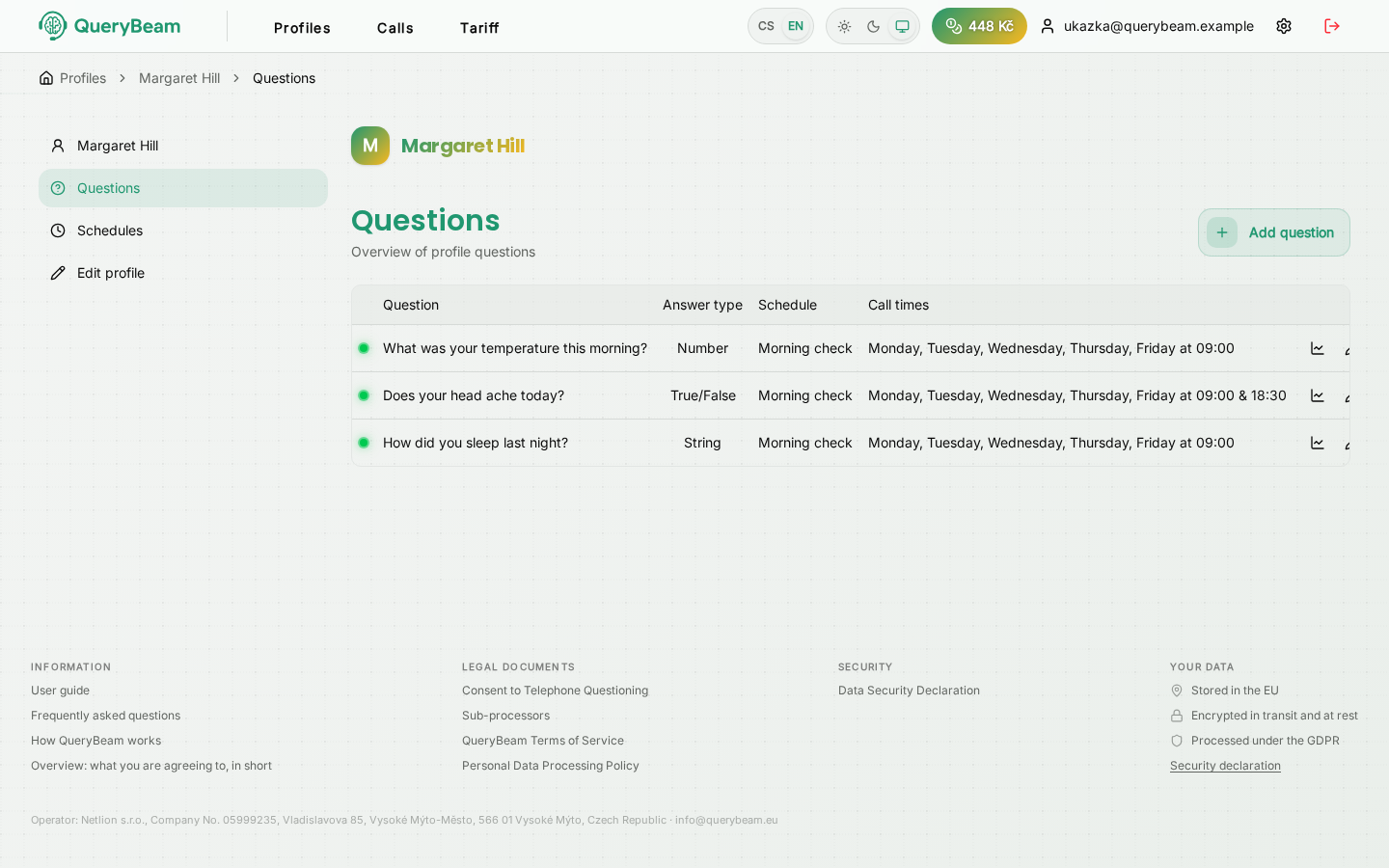
The list of questions. A status dot on the left, four actions on the right.
Each question's row carries four icons:
The coloured dot on the left is the status: active, paused, completed, cancelled.
Disable, or delete
Disabling is almost always what you want. The question stops being asked, but the answers it has already produced stay. You can enable it again at any time.
Deleting hides the question: it stops being called and disappears from the overviews, the profile, statistics, charts, the export and upcoming calls, along with its answers. The answers are not erased, though; they stay stored for the period set by the retention policy. The application asks you to type the question's text back first. You cannot restore a deleted question yourself; if you need it back, ask support and an administrator will restore it together with its answers.
Changing a question while it runs
You can edit the text of a question at any time. Answers collected under the old wording stay in the same history — in the chart and in the table, undistinguished. If you are changing the meaning of the question rather than just its phrasing, it is cleaner to create a new one and disable the old.