
Creating a profile
A profile is one person who gets called. It holds their name, telephone number, questions, schedules and everything the calls produced.
Creating a profile: what is required, and what the extra details are for.
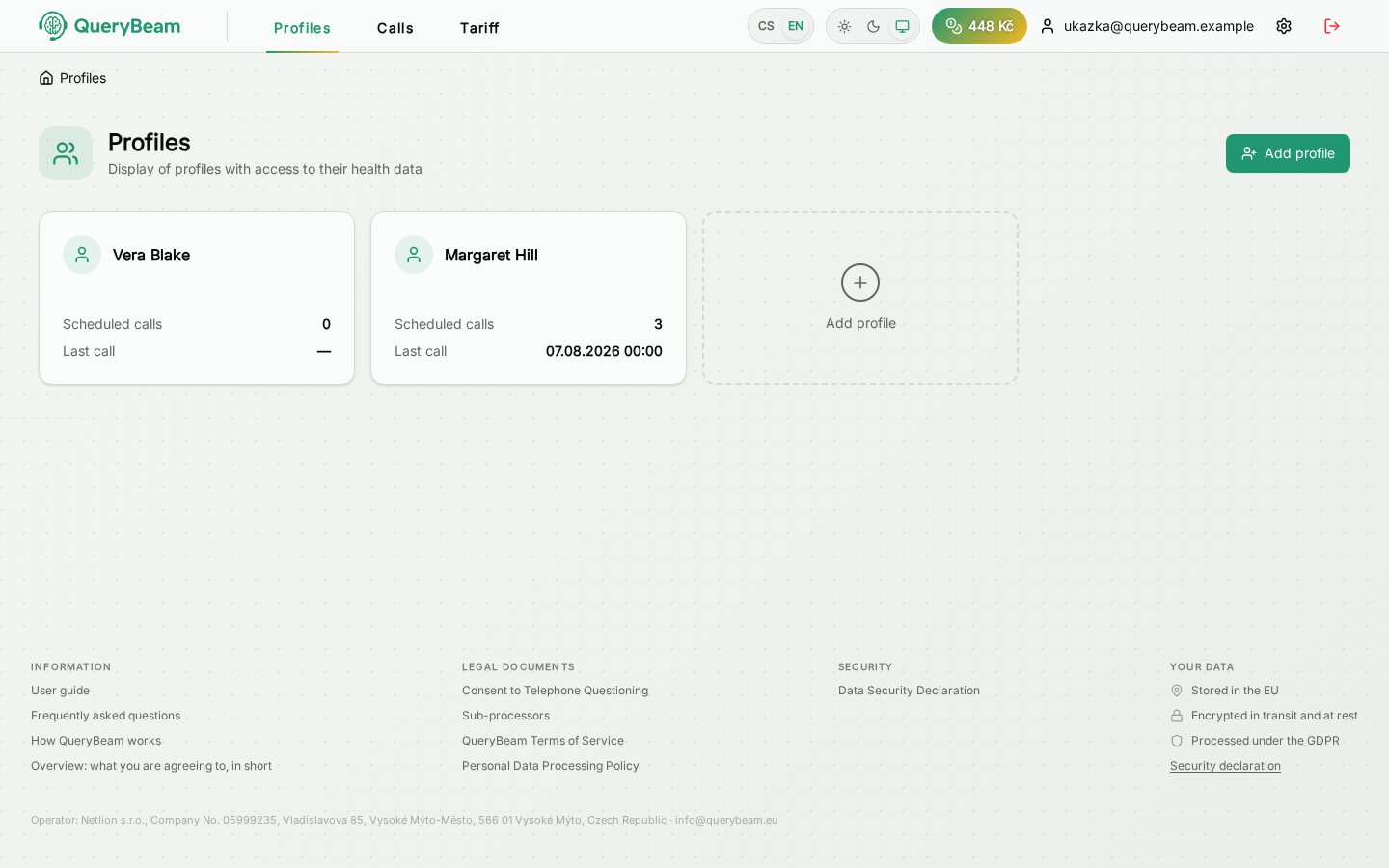
The list of profiles. Each one shows how many calls are scheduled and when the last one happened.
A new profile
The Add profile button at the top right, or the tile with a plus at the end of the list.
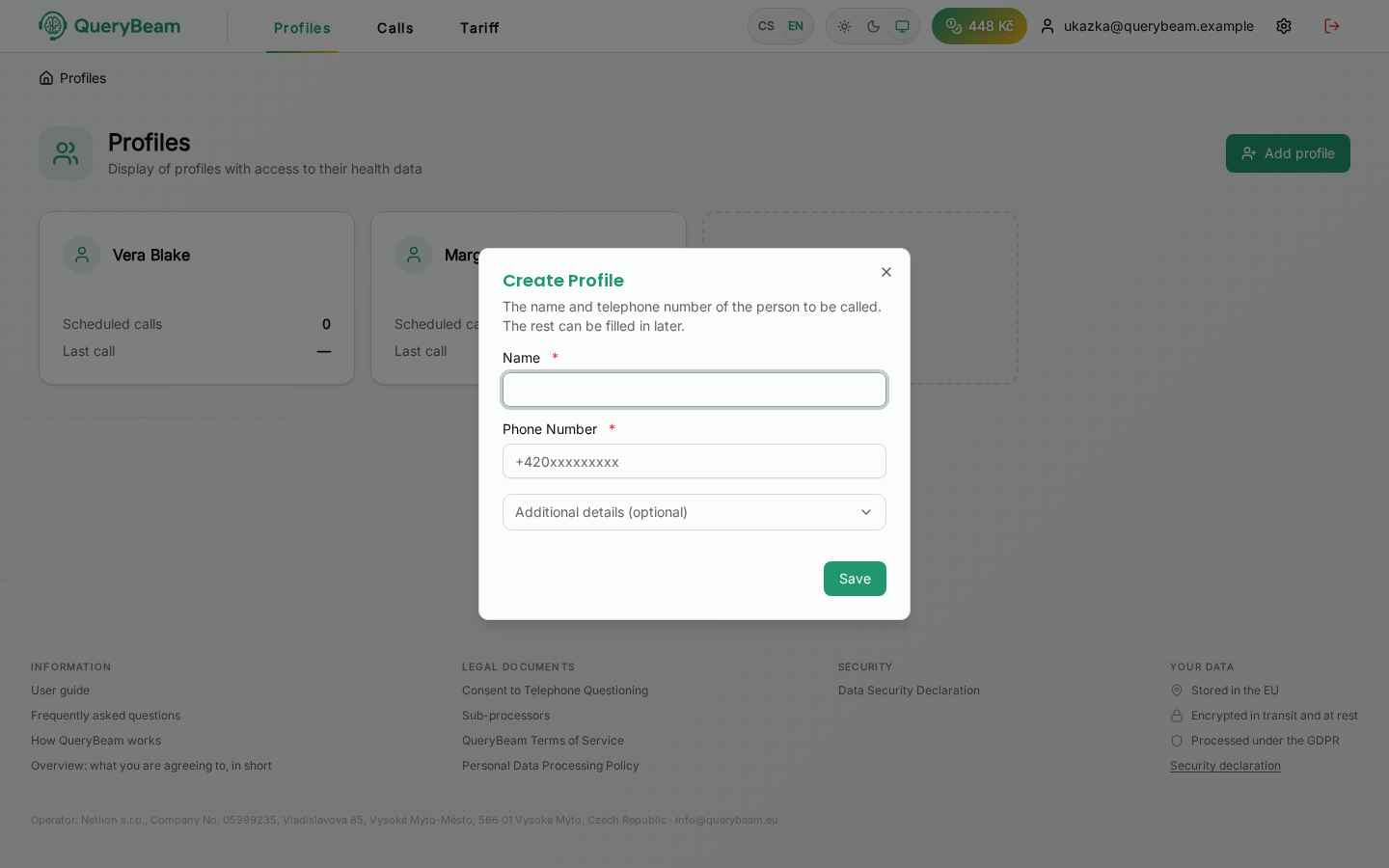
Two fields are required.
The optional details sit behind a collapsed bar. They are worth filling in: from the sex and the age the assistant adjusts how it addresses the person and how it phrases the questions, so the call comes out more natural. The application points out what is missing once, and the notice can be hidden.
The note is for you, not for the assistant — it is the place for "lives alone, daughter rings at weekends".
Under the terms of service you undertake to enter solely the number of a person who knows of the calls and consents to them, and not to circumvent confirmation of the code — that is, not to enter a code on the called person's behalf.
After saving
The application offers to verify the telephone number straight away. You can postpone it (Verify later), but until the number is verified no call is scheduled. See Verifying the number and consent.
How many profiles you may have
A new account is in trial mode and may hold three profiles at most. If you need more, write to info@querybeam.eu — the cap comes off once we verify the account.
What a profile shows
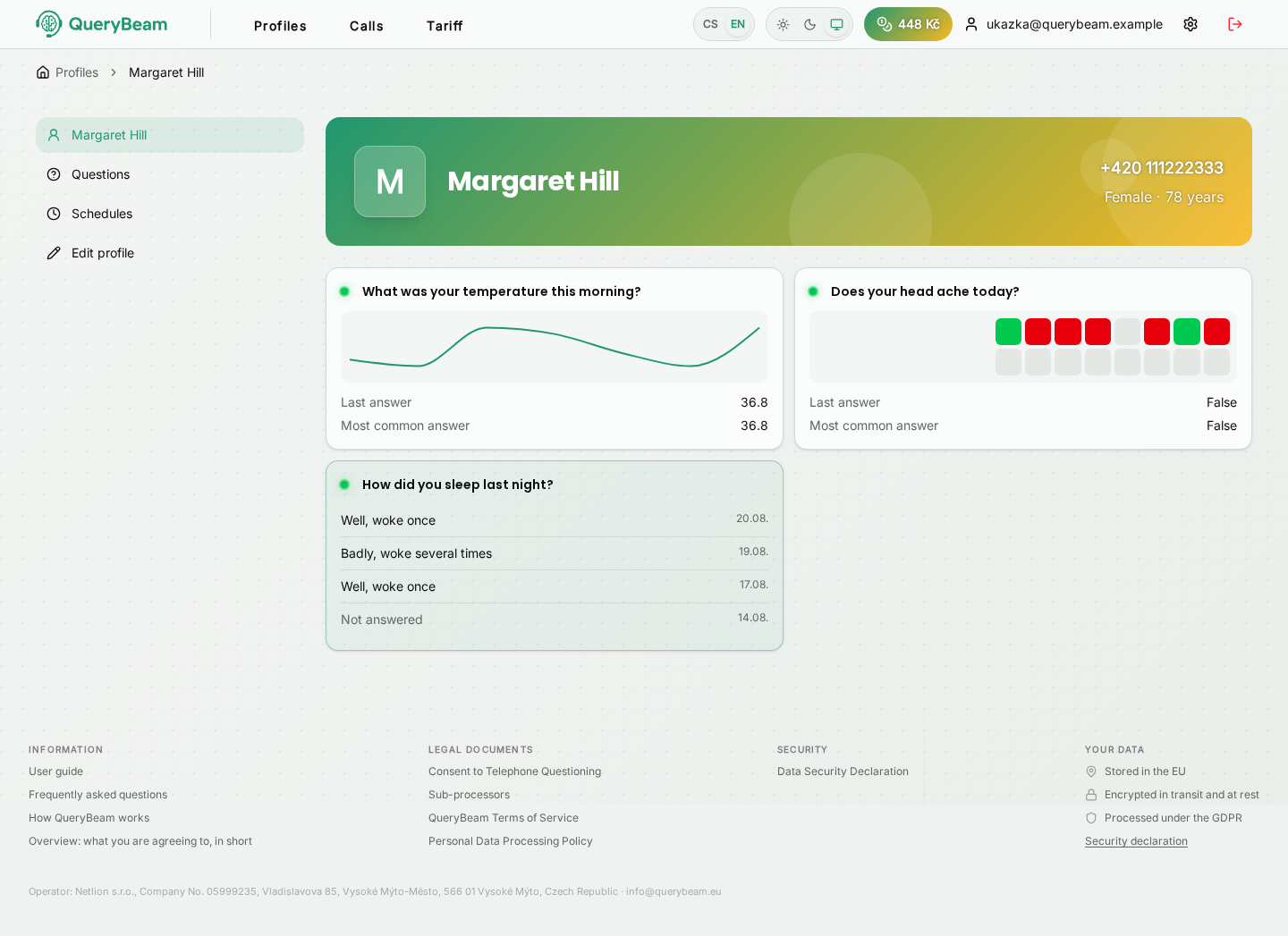
The profile detail. Each question has its own card showing how its answers look over time.
The left column is the way around the profile:
Clicking a question's card takes you to its results — the chart, the summary and every individual call.