
Signing up and signing in
From the registration form to signing in, forgotten password included.
Creating an account
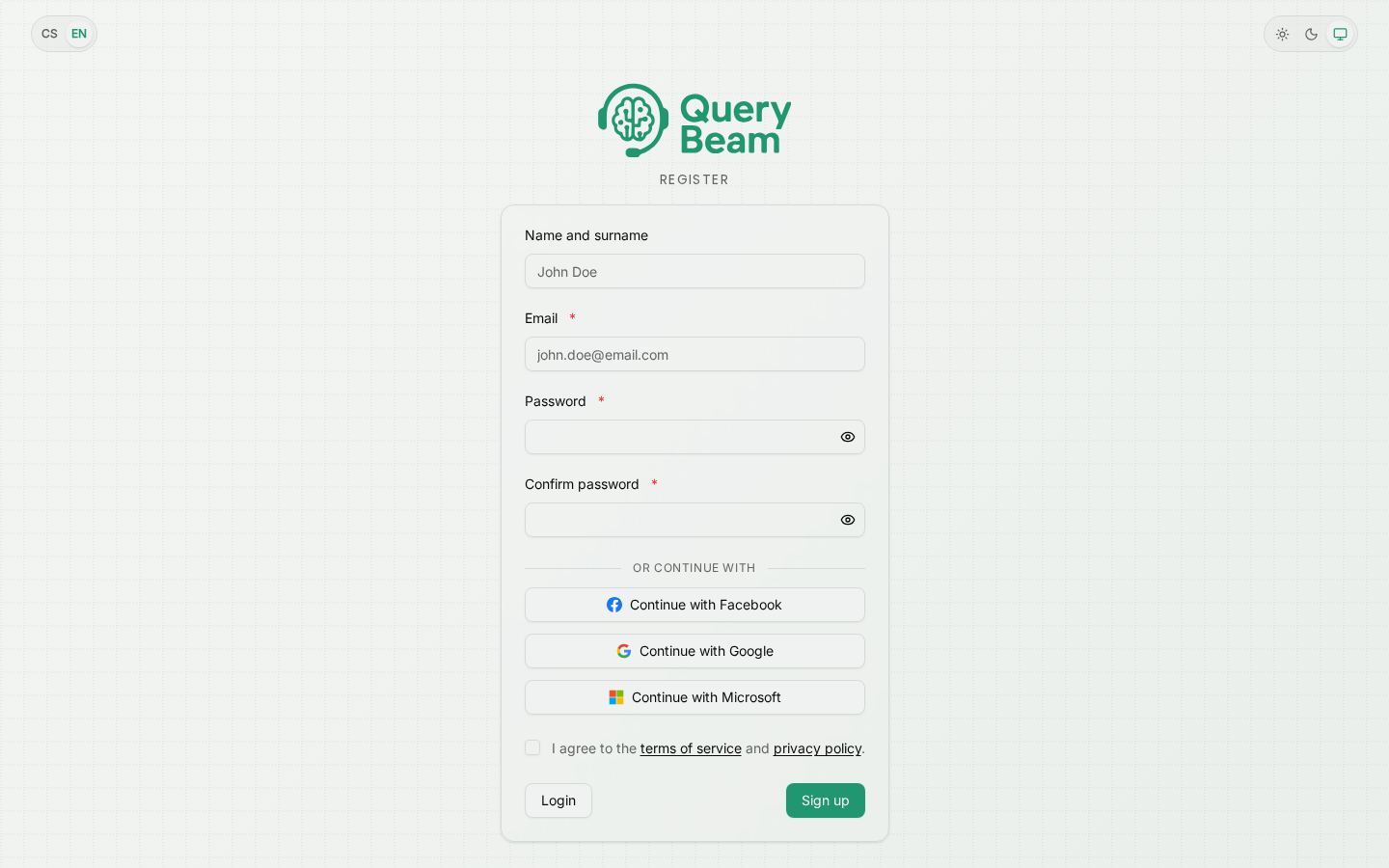
Registration. The name is optional; the tick box is not.
You need an e-mail address and a password of at least eight characters. The name can be left out.
The box at the bottom is not a preference — without it there is no registration. The links in it lead to the terms of service and the personal data processing policy; they open in a new tab, so you will not lose what you have typed.
The consent is stored against the account together with the document's version and the date. If the terms change later, we tell you by e-mail thirty days ahead, and until then you can end the contract without penalty — silence is not taken as agreement.
Or through Facebook, Google or Microsoft
The "Continue with…" buttons sign you in without a password. On a first sign-in the account is created at the same time — and because the terms cannot be agreed before you come back, the consent appears immediately on your return as a screen you have to go through.
The provider tells us only your e-mail address. You can set a password later through forgotten password (see below) and then use either way in.
Confirming your e-mail address
We send you a link after registration. Until you follow it, the application carries a "Confirm your e-mail address" banner and no telephone number can be verified — so nothing can be called.
Confirming the address also credits the trial balance, roughly thirty minutes of calls.
If the link did not arrive, look in the spam folder; a fresh one is sent by the "Send the link again" button in the application.
Signing in
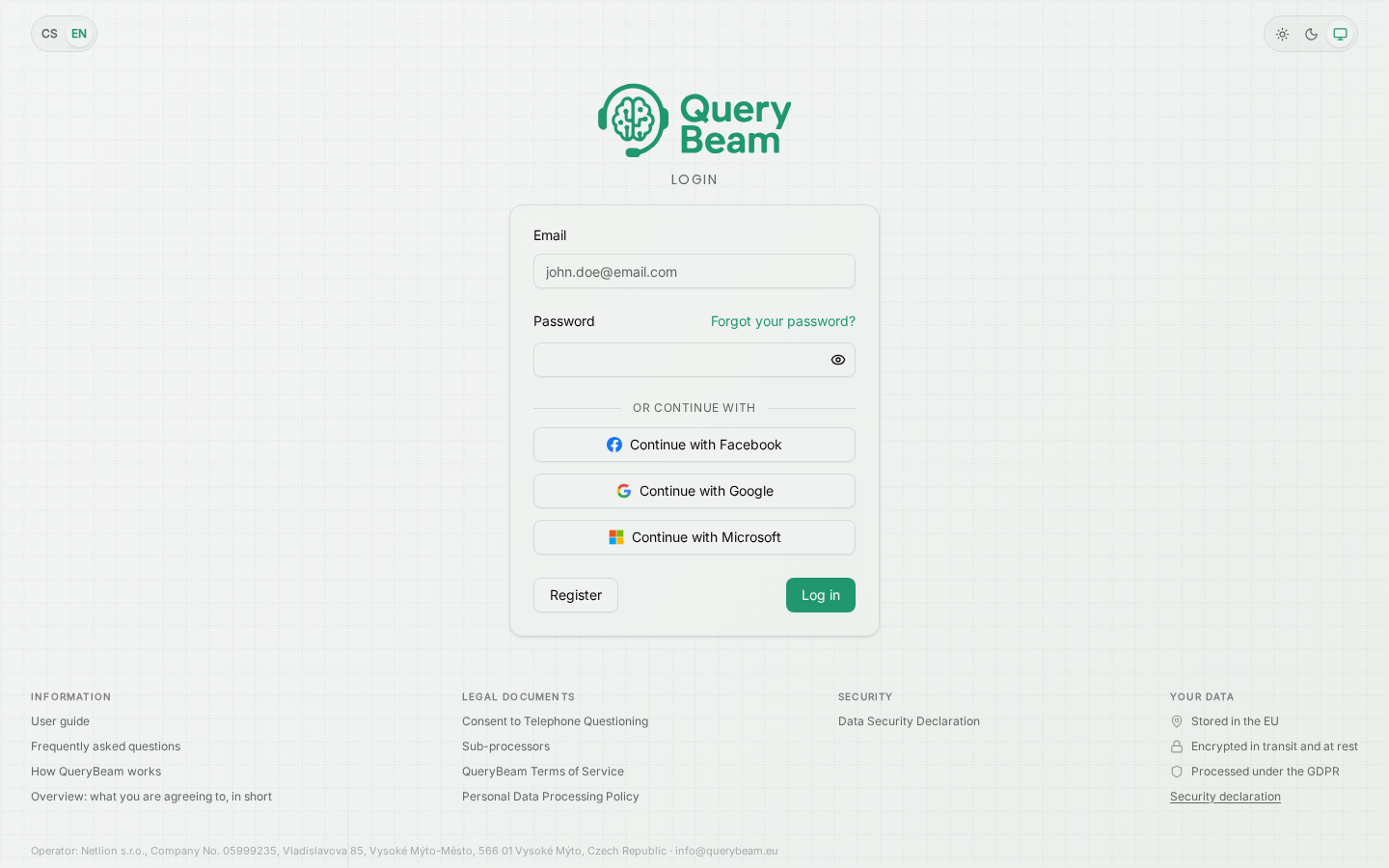
Signing in. The language and appearance switches are in the corner even when signed out.
Forgotten password
The "Forgot your password?" link above the password field. You enter your e-mail and a link to set a new password arrives. It works even if you have so far only signed in through Facebook, Google or Microsoft — it is how you give the account a password for the first time.
Two-factor authentication
When it is on, the password is followed by a six-digit code from an authenticator app. If you have no telephone to hand, use one of the eight backup codes you were given when turning it on. It is switched on in account settings.
What a new account gets
Monthly tariffs are still being prepared. The detail is on Credit and pricing.
Where to next
- Your first call, step by step
- Account settings — password, two-factor authentication, linked accounts